
In short
When an assembly component is unavailable or changes, compare the proposed alternate with the original part at the exact manufacturer part-number level. Check package and footprint, pinout, ratings, behavior and any assembly or test impact. If the product owner accepts it, update the BOM or approved-parts rule so purchasing and production build the intended configuration.
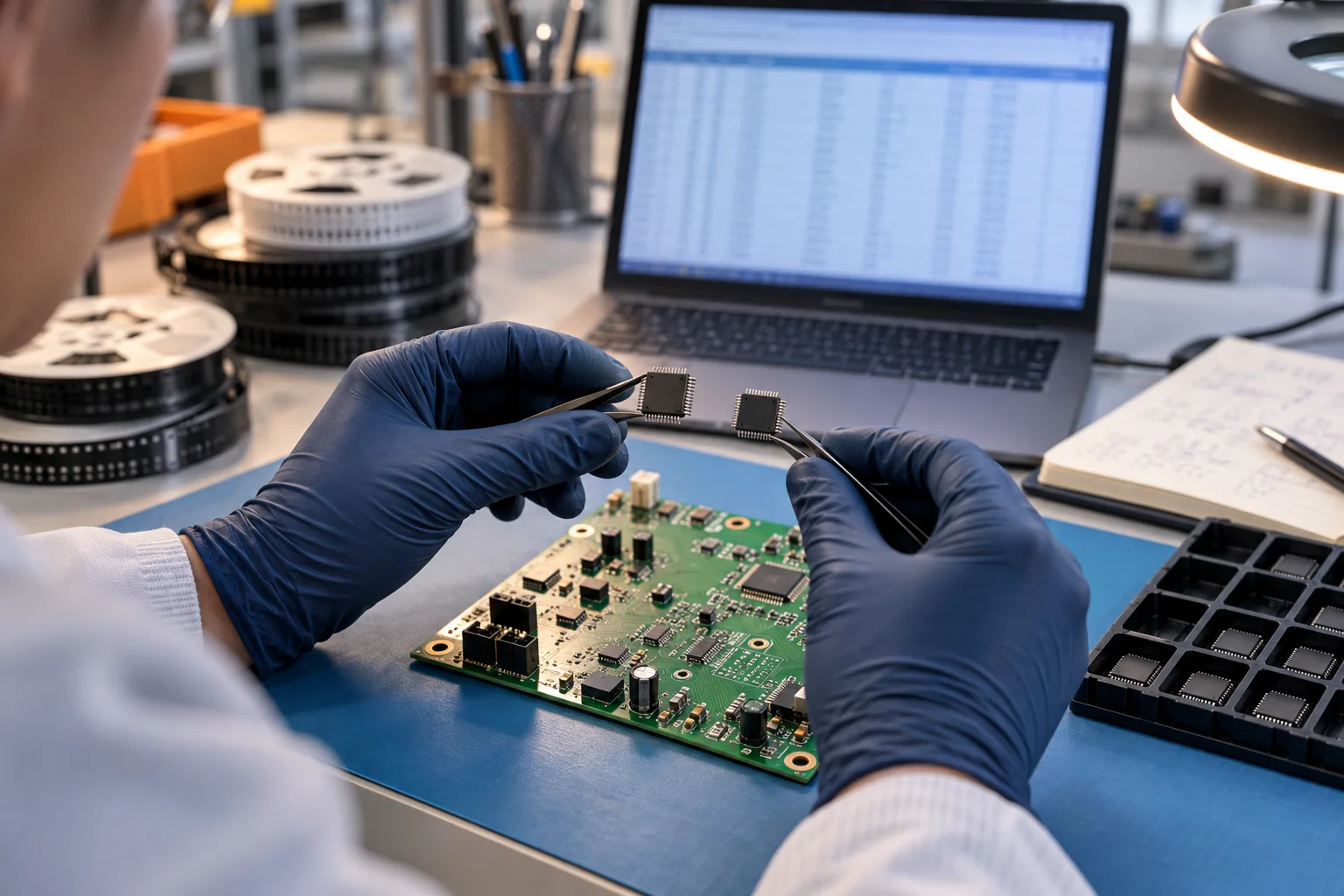
A PCB component alternate can keep a project moving when a part is hard to source, but the replacement has to fit the actual product. Begin with the original and proposed full manufacturer part numbers, affected board references and current BOM revision. Then compare physical fit, electrical function, assembly handling and any product-specific requirements before the responsible product owner decides whether to use it.
Use this approval workflow when an alternate component is proposed. For project sourcing support, review component sourcing services; for release-ready line-item data, use the BOM preparation guide. For the commercial choice of who purchases material, use the turnkey versus consigned buyer guide.
When do you need a component alternate?
Part shortages, lifecycle changes and manufacturer product-change notices often start a substitute search. Put the original and proposed full manufacturer part numbers side by side, then check the exact PCB assembly revision and references affected. The key question is whether the candidate fits and performs in this product—not whether its catalogue description sounds similar. Manufacturer change notices help identify what changed; the product team decides whether to use it.
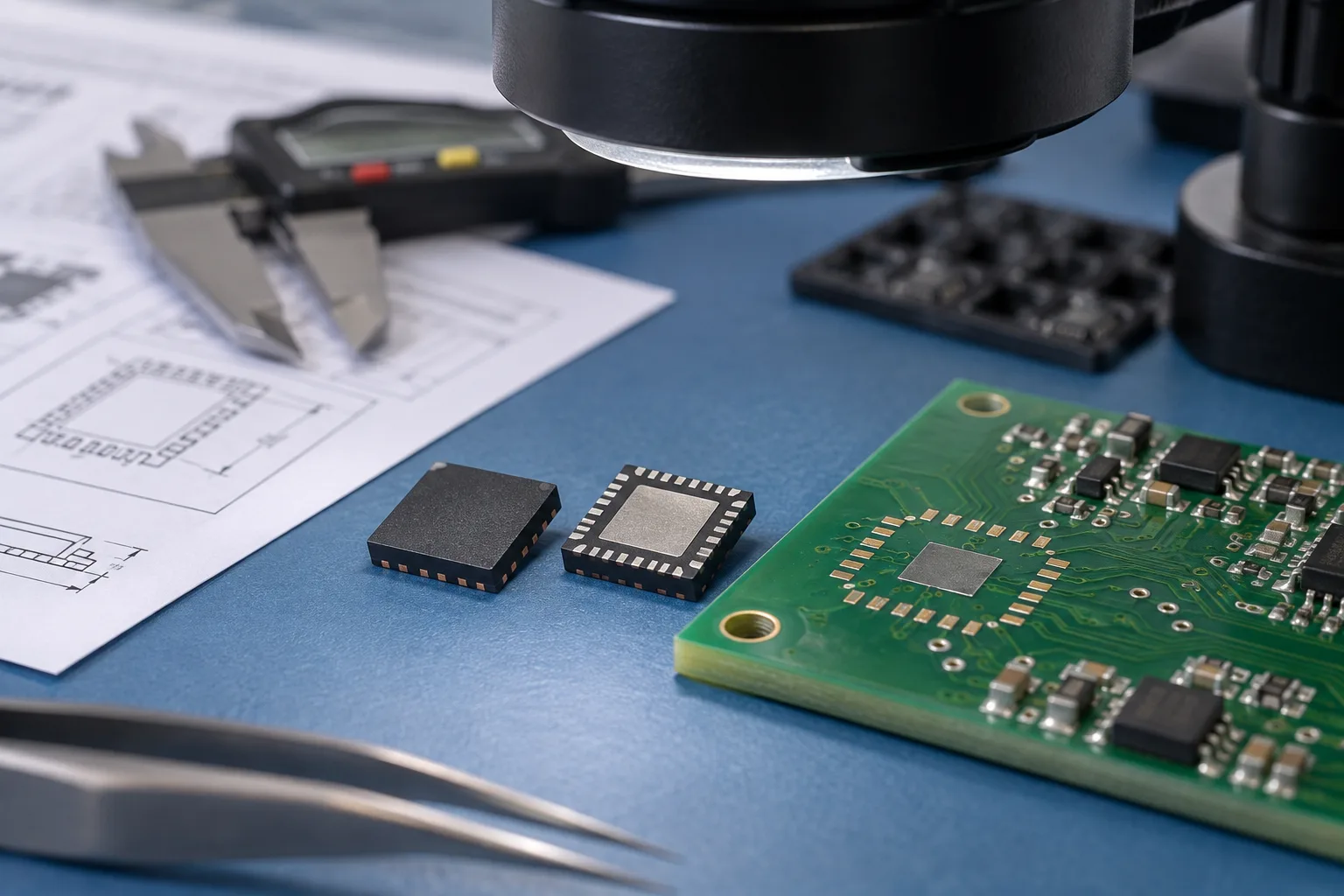
AI-generated illustration: Close-up of component package and PCB footprint comparison.
| Step | What to compare or prepare | Who helps decide |
|---|---|---|
| Identify both parts | Original and candidate manufacturer, full MPN, affected references and BOM revision | Buyer and product engineer |
| Check physical fit | Package, footprint, pinout, polarity and assembly handling | Design and manufacturing engineers |
| Check product behavior | Electrical, thermal, firmware, safety or qualification impact where relevant | Product technical authority |
| Decide where it applies | One build, one variant, a revision or a broader approved-parts rule | Named product approval authority |
| Update the build | BOM or AVL, purchasing instructions and affected assembly or test files | Configuration, sourcing and production owners |
Compare package, pinout and product behavior
Form can cover physical envelope, package, pin count and material constraints. Fit can include footprint, pinout, polarity, placement, soldering, thermal path, enclosure and test access. Function can include electrical behavior, tolerance, ratings, timing, firmware interaction and the product's own acceptance requirements. The required evidence varies by line item and product; a generic similarity claim does not prove equivalence.
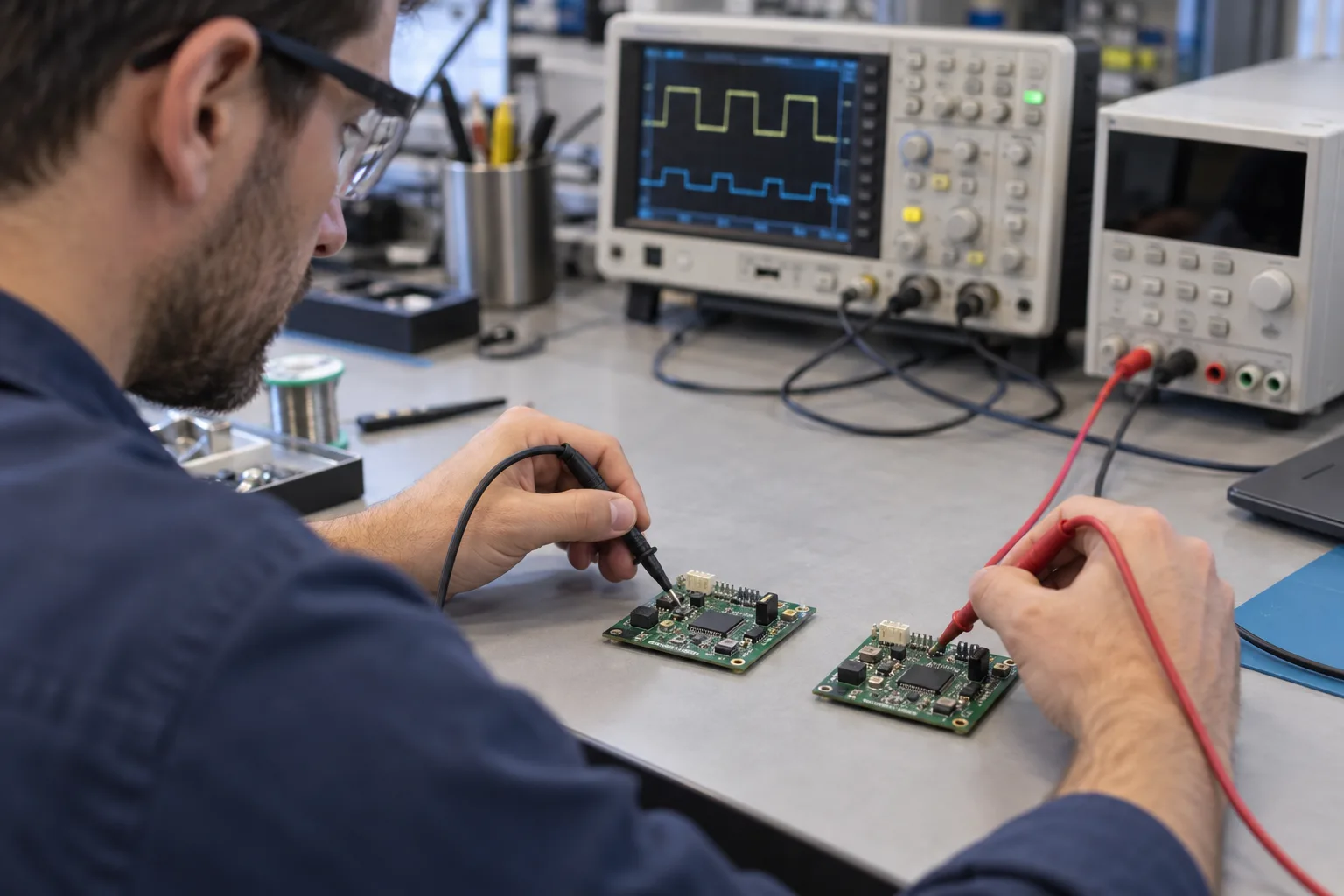
AI-generated illustration: Engineer comparing two PCB assemblies on a test bench.
Decide who can approve a BOM substitute
The product owner controls design intent and the acceptance baseline. Procurement can surface a candidate and commercial context; manufacturing can explain route, packaging and process impacts; quality can define record or disposition needs. The person authorized to accept the product impact should be named before a shortage appears. Record whether the decision applies only to a stated quantity, one variant, a revision, a date window or a broader controlled rule.
Do not let an approval live only in an inbox. If accepted, update the controlling BOM or AVL and any affected drawing, placement, test, programming or traceability instruction. If rejected or deferred, preserve the original release state and make the hold visible. IPC-1782B's public table of contents highlights product-build records, risk assessment and user-supplier agreement as traceability topics; use that principle to connect the decision to the build, without assuming a universal record level.
From candidate part to updated BOM

AI-generated illustration: Engineers reviewing a PCBA BOM and candidate component.
- Freeze the assembly part number, revision, variant and affected BOM line.
- Record the exact candidate MPN, source and reason for the request.
- Assess relevant form, fit, function, lifecycle, package, firmware, test and product impacts.
- Obtain the named technical authority's approve, reject or defer decision.
- State the approval scope and update the affected controlled data.
- Release procurement and assembly only against that updated state; reopen review after a later design, supplier, process or requirement change.
What to send with an alternate-component request
Provide the released BOM and active variant, the original and proposed MPNs, affected references, reason, datasheets or product-change notice where available, quantity and build stage, and the person authorized to decide. PCBArise can discuss the sourcing and assembly implications through component sourcing, PCB assembly and a project review. The quotation and agreed documents define any actual sourcing, approval and evidence scope.
FAQ
Common questions
Can a PCB assembler use an alternate component automatically?+
No. A candidate should be used only under the approval rule for the released BOM and project. Availability, a similar specification or an email proposal is not by itself a production authorization.
What information should an alternate request include?+
Include the original and proposed manufacturer part numbers, affected references, BOM revision and variant, reason, relevant datasheets or notices, quantity, build stage and the named approval authority.
What does form, fit and function mean for a component alternate?+
It is a review frame. Form can include physical package and dimensions; fit can include footprint, pinout, polarity, assembly and test access; function can include the product-relevant electrical, thermal, firmware and acceptance impact.
Who approves an alternate component?+
The approval should come from the authority responsible for the product's design and acceptance baseline. Procurement and manufacturing can supply evidence, but their roles do not automatically transfer technical approval authority.
Should an approved alternate update the BOM?+
Yes, the relevant controlled record should show the approved state and scope, such as a BOM, AVL, variant rule or build instruction. The precise record depends on the project's configuration-control method.
Does a manufacturer PCN automatically approve a replacement?+
No. A product-change notification provides change information. The product team still needs to assess the affected application and decide whether, where and under what conditions a replacement can be released.
Technical references
Sources used for this guide
These sources explain the standards, materials or process details discussed above. Check the current revision when applying them to a new design.
- Infineon — product/process change notification and form-fit-function context
- Texas Instruments — product change notification process and early impact review
- Global Electronics Association — IPC-1782B traceability, product-build records and agreed requirements
- ECIA — current component-market context; not a project availability promise
- QueenEMS — professional buyer checklist context for sourcing ownership
- PCBA Group — professional comparison context for turnkey, partial and consigned models