

In short
Prototype-to-production PCB transfer turns a working design into a repeatable build package. Capture what the prototype taught you, update the fabrication and assembly files, lock the intended BOM and alternatives, then confirm the assembly route, programming, inspection and test with a pilot. Production can then use a clear revision rather than reconstructing decisions from prototype emails.
A working prototype proves the design under the conditions in which it was tried. Production needs a repeatable way to fabricate, source, assemble and test that same intended configuration. Start the transfer by collecting prototype changes and open issues, then turn them into updated files, a BOM and a pilot plan.
The transfer should therefore be managed as a series of gates with named inputs, owners and evidence. PCBArise supports PCB manufacturing, PCB assembly, sourcing, inspection and project-specific test discussions, but the released package and assigned customer authorities define the product and acceptance baseline.
What changes between prototype and production?
Prototype evidence is often optimized for learning. Engineers may hand-rework a unit, use a temporary part, apply a lab fixture, patch firmware or accept a deviation to evaluate a design decision. Those actions can be valid, provided they are recorded against the configuration tested.
Production evidence must be interpretable for the released configuration and agreed route. It needs controlled inputs, known deviations, defined acceptance conditions and a disposition path. The project may call its stages prototype, pilot, first article, EVT, DVT or PVT, but the label does not decide whether a gate is closed. The actual exit evidence does.

1. Resolve prototype and DFM findings
Collect prototype, fabrication, assembly, inspection and test findings against the exact board, assembly, BOM, firmware and fixture revision evaluated. Classify each finding by impact: design intent, manufacturing data, material, process, test, documentation or commercial scope. Then assign a design, product, sourcing, test or NPI owner.
A finding can be approved, revised, rejected or deferred through a controlled deviation. It is not closed merely because the prototype was made to work. Use the DFM review pathway to discuss manufacturing impact, while the design authority approves changes to electrical, mechanical or functional intent.
2. Update PCB fabrication files
Freeze one authoritative set of fabrication outputs with board part number, revision, layer data, drill/route data, closed profile, stackup, material and copper intent, controlled impedance where applicable, surface finish, fabrication notes and panel requirements. If a manufacturing proposal changes the construction, capture the approval and regenerate the controlled release rather than leaving the decision only in email.
The companion Gerber, ODB++ and IPC-2581 guide explains why a format does not replace content verification. Inspect the exact transmitted export and use a file manifest to identify every authoritative supplement.
3. Finalize the BOM and approved parts
The production BOM should identify the active assembly and variant, manufacturer part numbers, reference designators, quantities and the authority for approved alternates. Record do-not-substitute lines, customer-controlled parts, lifecycle or availability checks and the owner of unresolved sourcing decisions. A component used successfully in a prototype does not automatically authorize a substitute for repeat builds.
When an alternate is proposed, review electrical, mechanical, footprint, polarity, thermal, firmware, qualification and regulatory impact as applicable to the product. Update the BOM or approved-vendor/alternate record through the designated authority. Do not rely on a purchasing note that is disconnected from the released configuration.
4. Align assembly, firmware and test
Reconcile the BOM with Pick & Place, assembly drawings, polarity, bottom-side rotation, variant data and any special process instruction. Define programming inputs and the approved firmware/configuration state where programming is in scope. Make required test access, connectors, fixtures and handling constraints visible before the route is released.
Acceptance evidence needs a method, setup, conditions, pass/fail limits, failure disposition and required record. A generic statement such as functional test does not define the product behavior to verify. The product or test owner supplies the intended requirement; the manufacturing team confirms how it can be executed for the project.
Prototype-to-production PCB transfer checklist
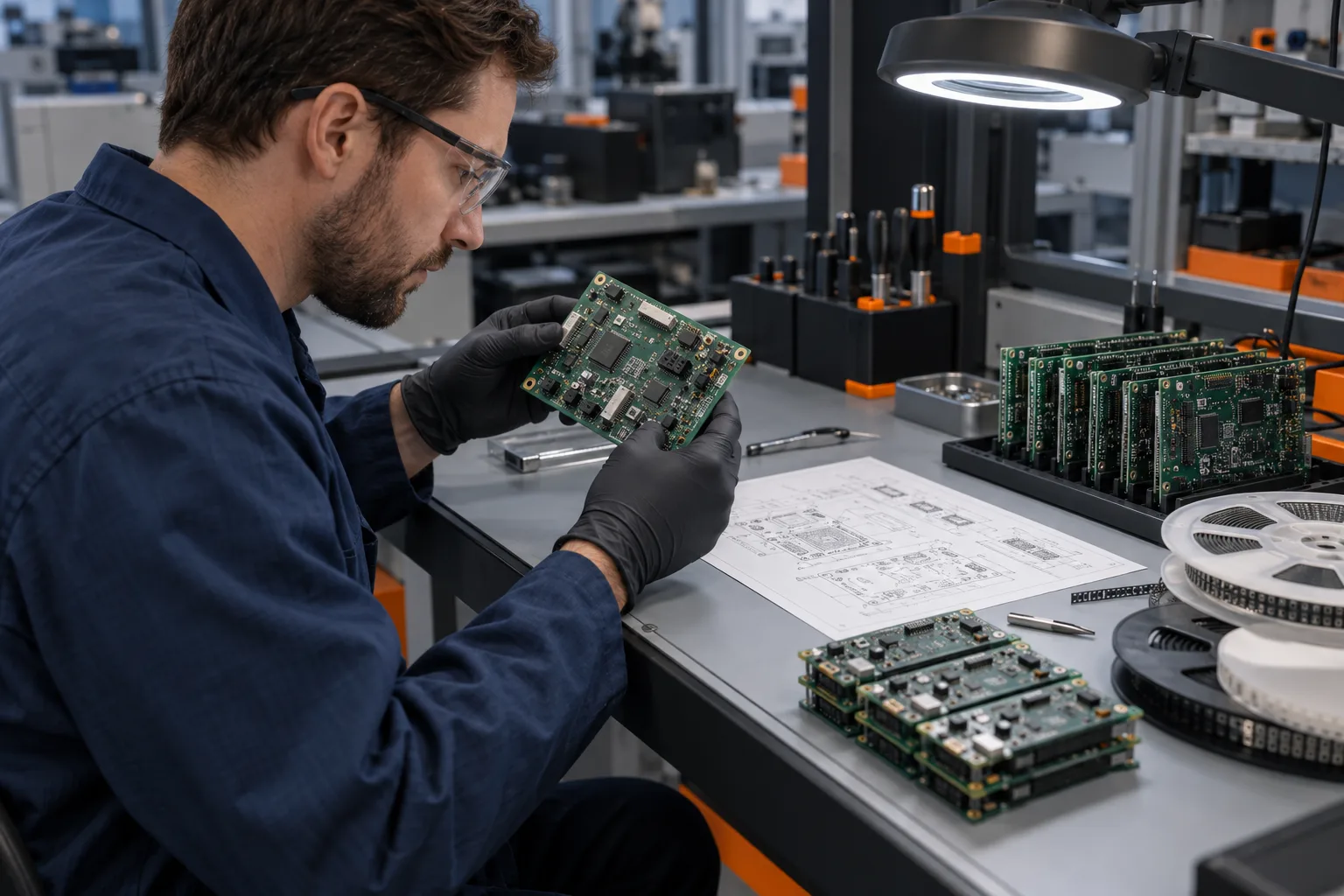
| Transfer gate | Controlled inputs | Decision owner | Release evidence |
|---|---|---|---|
| Design and DFM | Prototype findings, DFM questions, product requirements and affected design sources | Design/product authority with manufacturing input | Approved disposition for every release-critical finding |
| Fabrication data | Manufacturing export, profile, stackup, material, copper, impedance and notes | Design/configuration owner with fabrication review | Verified package and manifest for one revision |
| BOM and supply | BOM, AVL/alternate rules, lifecycle and availability assumptions | Design and sourcing authorities | Approved sourcing state with unresolved risks visible |
| Assembly and programming | Placement, drawings, polarity, variants, work instructions and firmware/configuration | Assembly/NPI and product owners | One coherent build definition |
| Inspection and test | Method, access, setup, conditions, limits, disposition and record needs | Product/test authority with manufacturing input | Agreed evidence tied to the evaluated configuration |
| Pilot findings | Issues, deviations, rework, material and process observations | Named cross-functional owner per item | Closed decision and every affected source updated |
| Production baseline | Manifest, approved deviations, packaging, traceability, delivery and change route | Configuration/NPI authority | One approved baseline with later changes controlled |
5. Feed pilot findings back into the design
A pilot or first-build route can expose issues in panel handling, placement, soldering, programming, fixture access, inspection, packaging or documentation. Whether that stage is required and what quantity it uses are project decisions. The essential control is to record the result against the built configuration and route each finding to an owner.
If a disposition changes geometry, material, part identity, orientation, firmware, test access or acceptance, update the responsible source and regenerate downstream outputs. Do not patch only the manufacturing file, assembly drawing or work instruction that exposed the problem. The production baseline must remain coherent.
6. Set traceability and packaging needs
State the board and assembly identification, revision marking, lot or unit association, serialization and retained records actually required by the project. Define labels, moisture or electrostatic protection, accessories, pack quantity and shipping documents where applicable. These are not universal defaults; they are release inputs that connect the delivered product to the approved configuration.
Also define who can approve a deviation or engineering change after release, what documents must be updated and when a new review or build evaluation is needed. The quality-control page provides manufacturing context, while the project plan establishes the exact traceability and evidence route.
From working prototype to repeatable PCB build
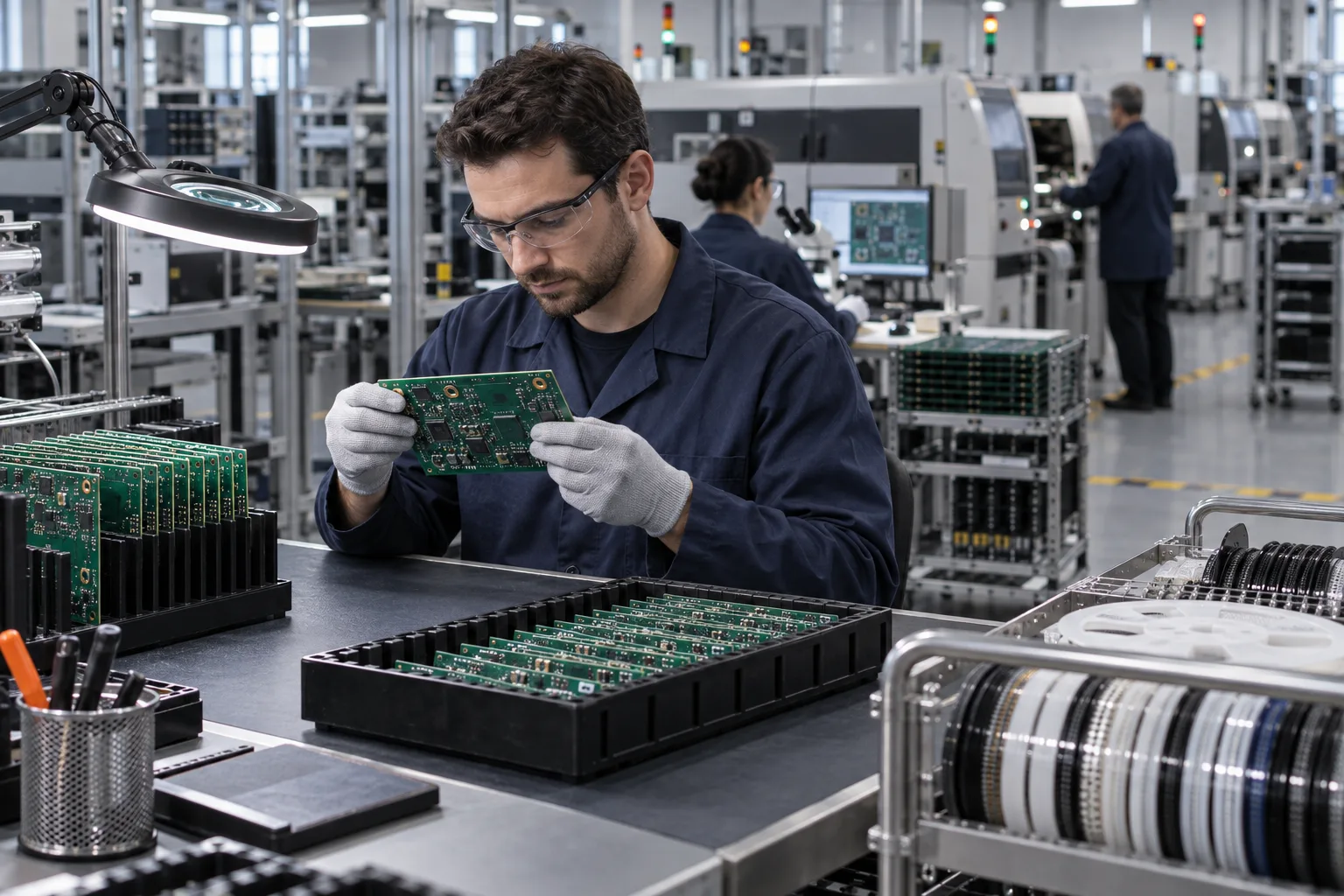
The loop may run more than once. That is not a failure; it is how learning becomes controlled production information. What matters is that each iteration has a visible revision, owner, evidence and decision, and that obsolete outputs are removed from the release archive.
Printable prototype-to-production checklist
Configuration and findings
- □ The evaluated board, PCBA, BOM, firmware and fixture revisions are identified.
- □ Prototype and pilot findings are recorded against that configuration.
- □ Every release-critical finding has an owner and approved disposition.
Manufacturing and assembly package
- □ Fabrication data, stackup, material, copper, impedance, finish, profile and panel intent agree.
- □ BOM, approved alternates, placement data, drawings, polarity and active variants agree.
- □ Special assembly, programming, handling and customer-supplied inputs are controlled.
Acceptance and release
- □ Inspection/test method, setup, limits, failure disposition and required record are defined where in scope.
- □ Pilot or first-build evidence is tied to the released configuration and agreed acceptance conditions.
- □ Packaging, identification, traceability and delivery records are defined where required.
- □ One manifest names the approved production baseline and obsolete exports are removed.
- □ Later deviations and changes have an authority, impact review and update path.
Print this article or use the browser's Print to PDF option for the transfer review. The checklist supports the meeting; the approved drawings, data, requirements and disposition records remain authoritative.
Bring one controlled release to PCBArise
Send the current fabrication package, BOM, placement and assembly information, quantity and build stage, plus the test and acceptance inputs already defined. PCBArise can use those materials to discuss a coordinated route and identify open manufacturing questions. Use the project review to confirm scope, and use the quote comparison guide to keep the approved commercial baseline aligned with the same revision.
FAQ
Common questions
Does a working PCB prototype mean the design is production-ready?+
No. It demonstrates the evaluated configuration under the conditions used, but production release also requires coherent manufacturing data, controlled parts and variants, assembly instructions, agreed acceptance evidence and a change-controlled baseline.
Which files should be frozen for PCB production transfer?+
Control the fabrication package and manifest, stackup and requirements, BOM and approved alternates, placement data, assembly drawings, variants, firmware or programming inputs, and project-specific inspection, test, packaging and acceptance documents.
How should BOM alternates be controlled?+
Define who can approve an alternate and evaluate its electrical, mechanical, footprint, thermal, firmware, qualification and regulatory impact as applicable. Record the approved state in the controlled BOM or alternate record before production release.
Is a pilot build always required before PCB production?+
Not as a universal rule. The project team should decide whether a pilot or first-build stage is needed based on design maturity, process risk, quantity, evidence and customer requirements, then define its exit criteria and disposition route.
What evidence should release a PCB assembly to production?+
Use the evidence agreed for the product and route: a coherent data review, closed findings, approved material state, assembly/programming definition and specified inspection or test results. The method, limits, record and approval authority must be project-specific.
Technical references
Sources used for this guide
These sources explain the standards, materials or process details discussed above. Check the current revision when applying them to a new design.